Key takeaway: Nearly every document redaction tool on the market is built for PDF. Legal discovery, healthcare records, government FOIA requests — they all work with flat documents. Consulting firms work with PowerPoint slide decks. Converting to PDF, redacting, and converting back doesn't work. You lose editability, chart data, speaker notes, animations, and master slide formatting — which is to say, you lose everything that makes the content worth reusing.
Last updated: March 2026
The format mismatch nobody talks about
Search for "document redaction software" and you'll find dozens of products. Robust feature sets. Compliance certifications. Audit trails. Pattern detection for PII, HIPAA data, financial identifiers.
Almost all of them process PDF.
This makes sense for their target markets. Legal teams redact discovery documents — PDFs. Healthcare organisations redact medical records — PDFs. Government agencies process FOIA requests — PDFs. The entire redaction software category was built for flat, text-layer documents where the primary operation is finding sensitive strings and covering them with black rectangles. And even within that paradigm, find-and-replace redaction doesn't work for the contextual sensitivity that matters in consulting.
Consulting firms don't work in PDF. They work in PowerPoint. And a PowerPoint slide deck is a fundamentally different kind of document.
What you lose when you convert to PDF
The workaround most firms try first is obvious: export the PPTX to PDF, run it through a PDF redaction tool, and call it done. Here's what that destroys:
Editability. The entire point of sanitising a consulting deliverable is to make it reusable. Without it, the vast majority of consulting knowledge stays locked away. Consultants need to pull frameworks, chart structures, analysis templates, and slide layouts from past work and adapt them for new engagements. A flat PDF is a picture of a slide, not a working document. You can look at it, but you can't reuse it.
Chart data. A PowerPoint chart is a live object with an underlying data table. The chart itself is just a visual rendering of that data. When you export to PDF, the data table vanishes — the chart becomes a static image. If the chart contains sensitive figures in the underlying data (and it often does), those figures are gone from the PDF surface but were never actually in the PDF to begin with. The PDF redaction tool can't redact what isn't there. Meanwhile, anyone who opens the original PPTX can still access the full data table.
Speaker notes. Consulting decks routinely carry detailed speaker notes — context, talking points, caveats, client-specific commentary. These frequently contain the most sensitive content in the deck: "Client pushed back on this recommendation," "Board is split on the acquisition," "CEO wants to announce in Q3 but CFO is resisting." PDF export can optionally include notes, but most default exports don't. The notes stay in the PPTX, invisible to the PDF tool, fully intact.
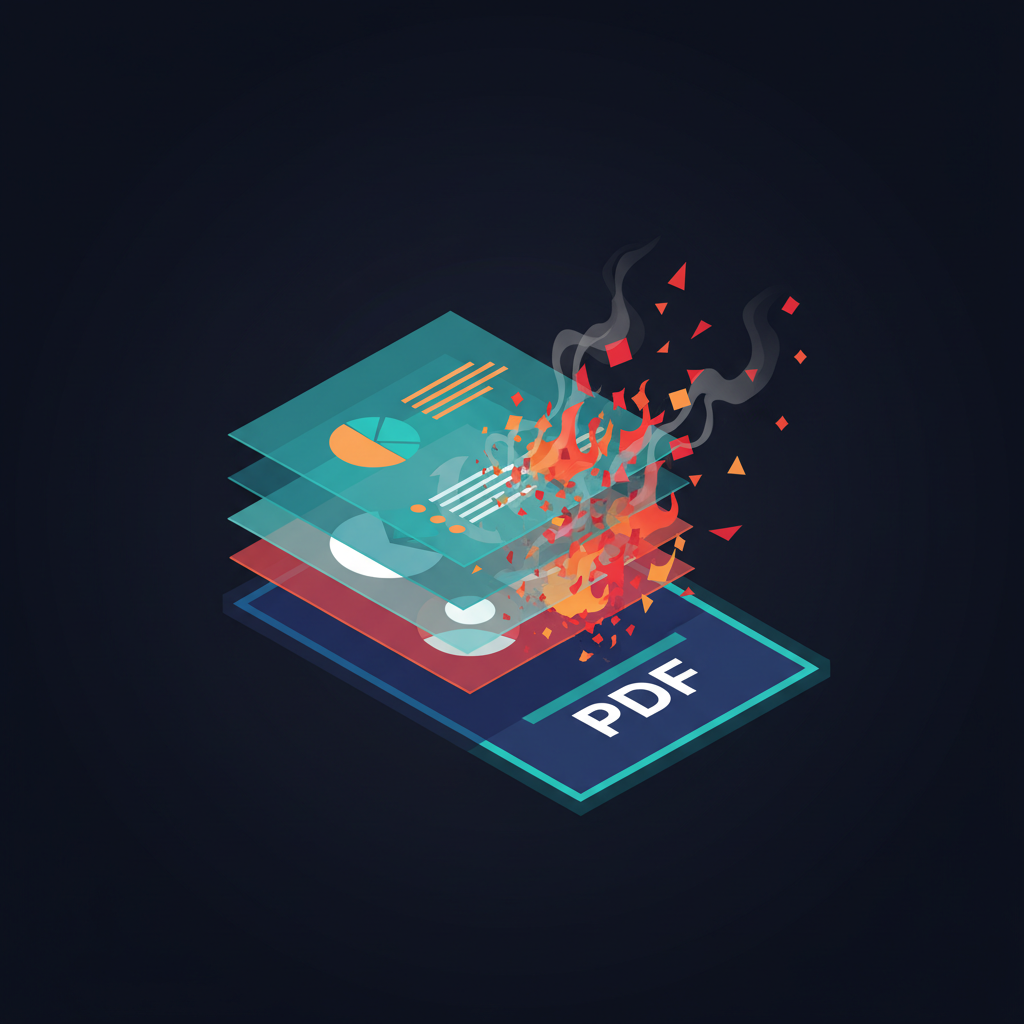
Layered objects. PowerPoint slides are layered compositions — text boxes on top of shapes on top of images on top of backgrounds. Objects can be grouped, overlapping, or hidden behind other objects. A text box with sensitive content might be positioned off-slide or behind an image, invisible in the rendered view but fully present in the file. PDF flattens everything into a single layer. The hidden content never appears in the PDF, so the redaction tool never sees it — but it's still in the source file.
SmartArt, grouped objects, and embedded content. SmartArt diagrams, grouped shapes, and embedded Excel objects all have internal structure that PDF flattening destroys. A SmartArt org chart with sensitive role titles becomes an image. An embedded Excel worksheet with confidential financials becomes a static snapshot. The structure is gone, but so is the ability to detect and treat the sensitive elements individually.
Master slides and layouts. Branded templates often contain client-identifying information in the slide master: logos, colour definitions, footer text, confidentiality notices. These render on every slide but exist in a separate layer that PDF export may or may not capture faithfully. A PDF tool has no concept of master slides.
The round-trip problem
Even if PDF redaction worked perfectly on the flat document — catching every sensitive element in the rendered output — you'd still have a problem. You now have a redacted PDF. To make it useful for knowledge reuse, you need to get it back into PowerPoint.
PPTX-to-PDF is lossy. PDF-to-PPTX is catastrophic. Every conversion tool that attempts it produces slides filled with misaligned text boxes, broken charts, lost formatting, and fragmented content. The document might technically be a .pptx file, but it's unusable as a working consulting deliverable.
The round trip destroys the thing you were trying to preserve.
What native PowerPoint processing looks like
The alternative is to skip the PDF detour entirely and process the PowerPoint file natively — working with the PPTX format's actual structure.
That means accessing every layer: text boxes, chart data tables, speaker notes, SmartArt internals, grouped objects, master slides, embedded content. It means understanding that a chart is an object with underlying data, not just a picture. It means detecting content that's off-slide, hidden, or in metadata. And it means producing a sanitised PPTX as output — not a flat PDF, but a working PowerPoint file with the same structure, formatting, and editability as the original, minus the confidential content.
This is significantly harder than PDF redaction, which is why the market hasn't built it. PDF is a known, well-documented format with mature parsing libraries. PowerPoint's OOXML format is complex, and the visual layer requires context-aware, multimodal analysis to detect sensitivity in charts, images, and colour-coded elements.
But for consulting firms, it's the only approach that actually solves the problem. If the output isn't an editable, reusable PowerPoint deck, you haven't sanitised a consulting deliverable — you've just made an uneditable snapshot of one.
The real question
When evaluating redaction tools, the first question consulting firms should ask isn't "what sensitive patterns can it detect?" It's "does it work with PowerPoint natively?"
If the answer is "export to PDF first," you already know the output won't serve knowledge reuse. And knowledge reuse — getting past work into the hands of consultants and into AI systems safely — is the entire reason for sanitising consulting deliverables in the first place.
Knovari processes PowerPoint files natively, working with the full structure of consulting slide decks — text, charts, images, notes, metadata, and master slides — to produce sanitised PPTX output that's actually usable. No PDF conversion. No round-trip loss. For more on what this process involves end to end, see our complete guide to consulting redaction. If that's the capability you need, let's talk.
FAQ
Frequently Asked Questions
Why don't PDF redaction tools work for consulting firms?
PDF redaction tools fail for consulting because consulting deliverables are PowerPoint files, not PDFs. Converting PPTX to PDF destroys editability, chart data tables, speaker notes, layered objects, SmartArt structure, and master slide information. The redacted PDF can't be converted back to a usable PowerPoint, which defeats the purpose of sanitisation for knowledge reuse.
What happens to PowerPoint chart data when exported to PDF?
PowerPoint charts are live objects with underlying data tables. PDF export converts them to static images — the data table is lost. If the underlying data contains sensitive figures (which it often does), a PDF redaction tool can't access or redact them because they were never part of the PDF. Meanwhile, the original PPTX still contains the full data.
Can you convert a redacted PDF back to PowerPoint?
Technically yes, but the results are unusable. PDF-to-PPTX conversion produces slides with misaligned text boxes, broken charts, lost formatting, and fragmented content. The round trip — PPTX to PDF to redacted PDF to PPTX — destroys the editability and structure that make consulting deliverables valuable for reuse.
What is native PowerPoint redaction?
Native PowerPoint redaction processes the PPTX file directly, working with its full structure: text boxes, chart data tables, speaker notes, SmartArt, grouped objects, master slides, and embedded content. It produces a sanitised PPTX as output — an editable, reusable PowerPoint file with the same structure and formatting as the original, minus the confidential content. This is what consulting firms need for knowledge reuse.
Want to see how Knovari handles consulting deliverables?
Book a demo